
Walk a property
Every scuff, which room it's in, and what should happen next.
Make lists that explain themselves.
Snap a photo, say what matters, and move on. Facilist keeps the picture, transcript, and original audio together — so the person receiving your list knows exactly what you meant.Take a photo. Say what matters. Facilist keeps the picture, transcript, and audio together — so the next person gets it.
Try it free — no account needed.
Recipients don’t need an account either.
How Facilist works: you take a photo of the thing you need to explain, you speak while looking at it, your words are transcribed onto the item next to the photo, and the person you share the list with sees the photo, reads your words, and can play your voice — in their browser, with no app or account.
You know what the photo means, where it was taken, and what needs to happen next. The person receiving it doesn’t.
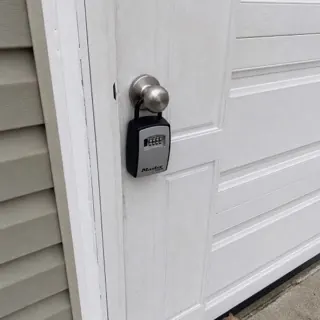
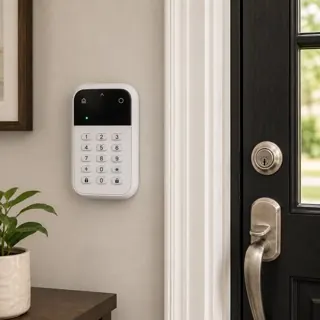
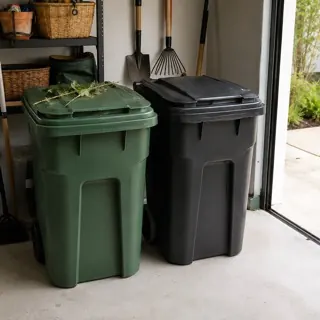
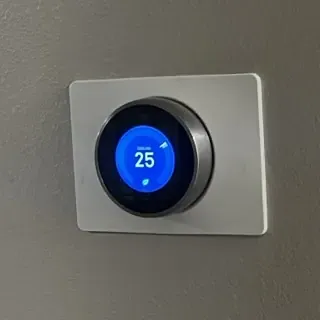
The photos are in one place, the explanations in another — and half of them stayed in your head.
The photo and the explanation stay together, behind one link.
Your voice is transcribed onto the item and the original recording is kept — so the list explains itself without you typing a word.
The photo and your voice are captured in the same motion, while you’re still standing in front of the thing. Nothing to label afterward.
Facilist transcribes what you said onto the photo, and keeps the recording too — so nothing is lost in the shorthand.
It opens in their browser — no app, no account — and you can stop sharing whenever you want.
Wherever a list needs an explanation, Facilist keeps the explanation with it.
Every scuff, which room it's in, and what should happen next.
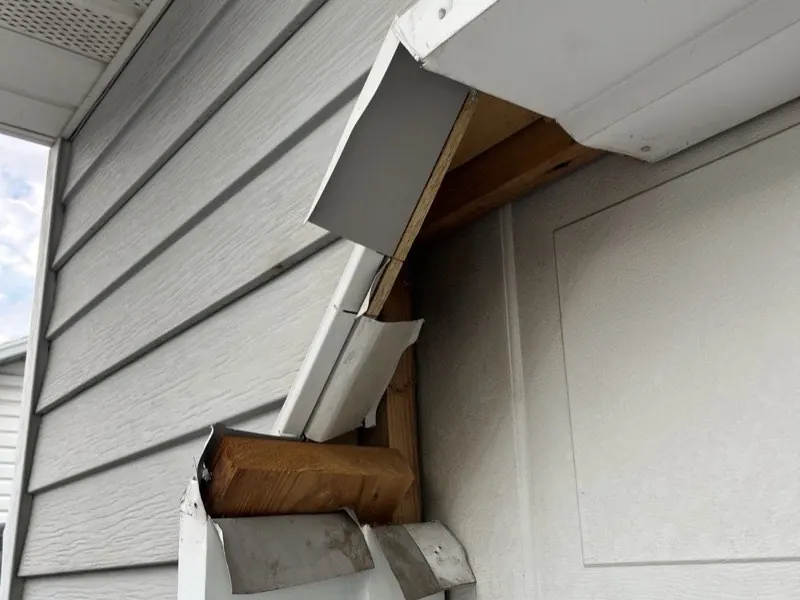
Show exactly what's leaking — and where the shutoff is.
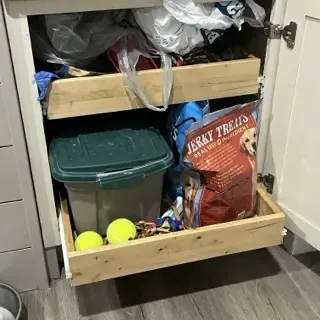
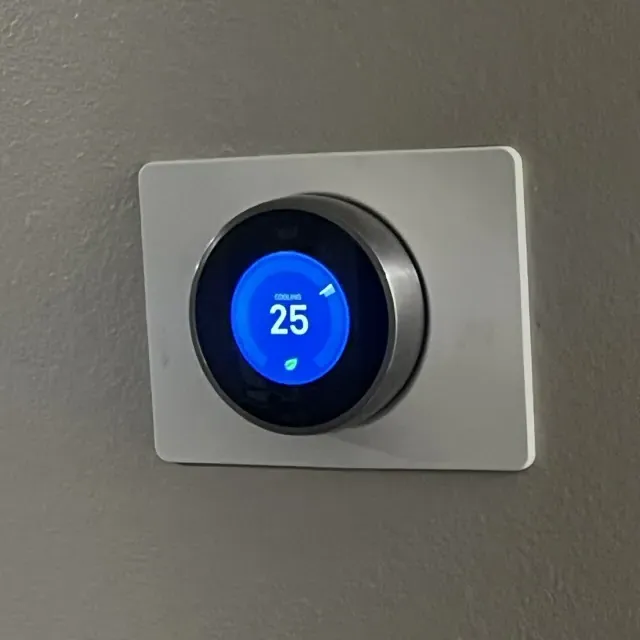
The feeding routine, the alarm code, the thermostat — in your own voice.
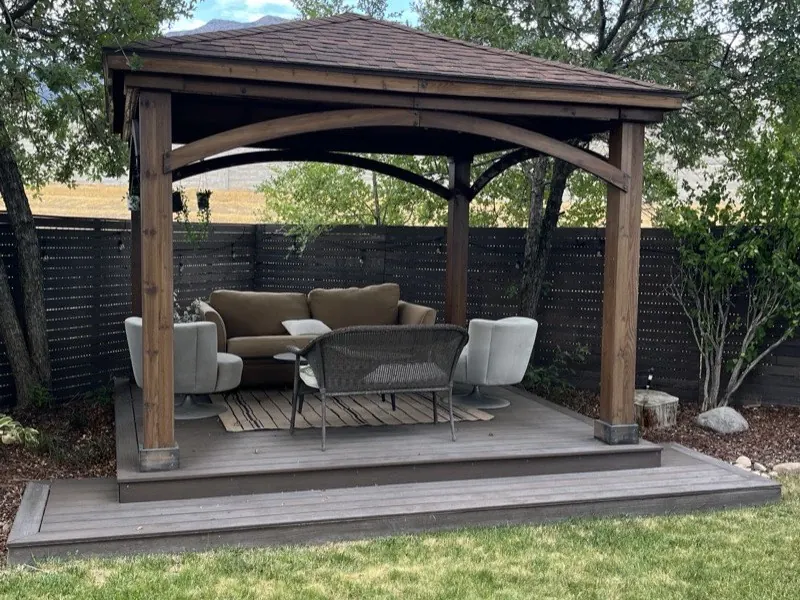
Where each table goes, from the person who planned it.
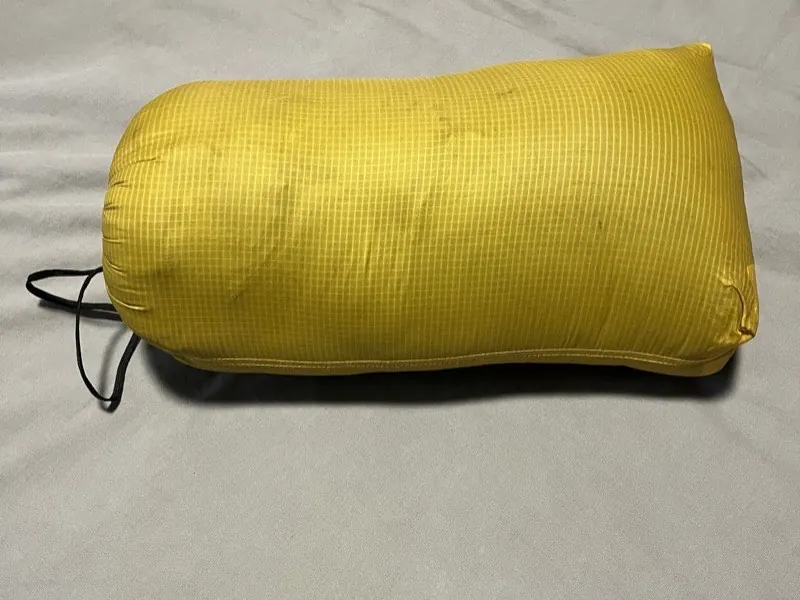
What's in which bag, and what still needs to go in.
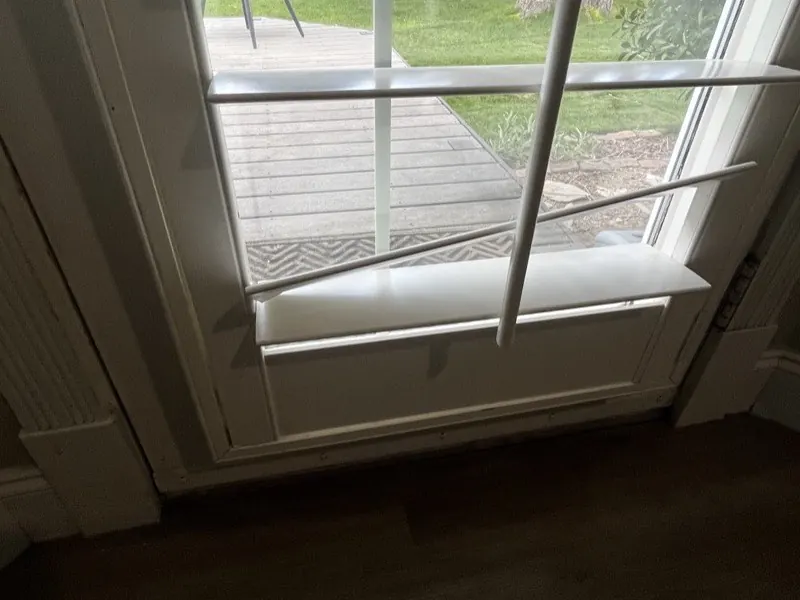
The photo and what happened, recorded on the spot.

One item per fix, each explained right where you were standing.
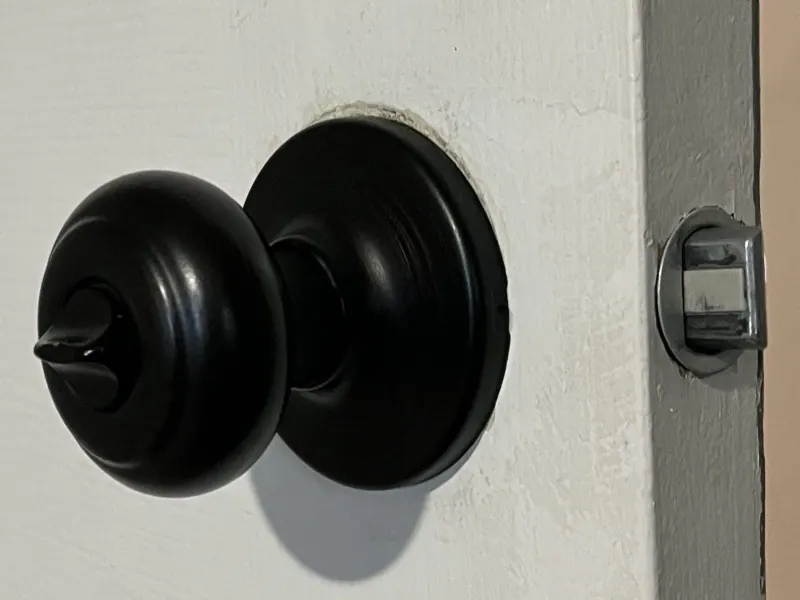
Walk through the steps once. They can replay you.
Less typing. Say it once, standing right there.
Fewer questions. The list already answers them.
No reconstruction. Nothing gets separated from its photo.
A shared list opens in the browser. No app. No account.
Tap play — this is a real shared list.
Your lists aren’t publicly listed or indexed. Anyone with your shared link can view the list, so share it only with people you trust — and you can stop sharing anytime.

I’m Jeffrey Duncan, a bug-finder and problem solver in Utah, USA. Facilist started with walkthroughs — my wife prepping homes for sale, and an office punch list. Describing each problem, and where it was, took far too long. Read why I built it →
“Babysitter onboarding was dumb easy.”
“It really felt like doing a screen capture tutorial of the real world.”
“Simple to use. Great for my ADHD brain.”
Capture the photo and the explanation together, then send one link.
Make your first list Try it free — no account needed.